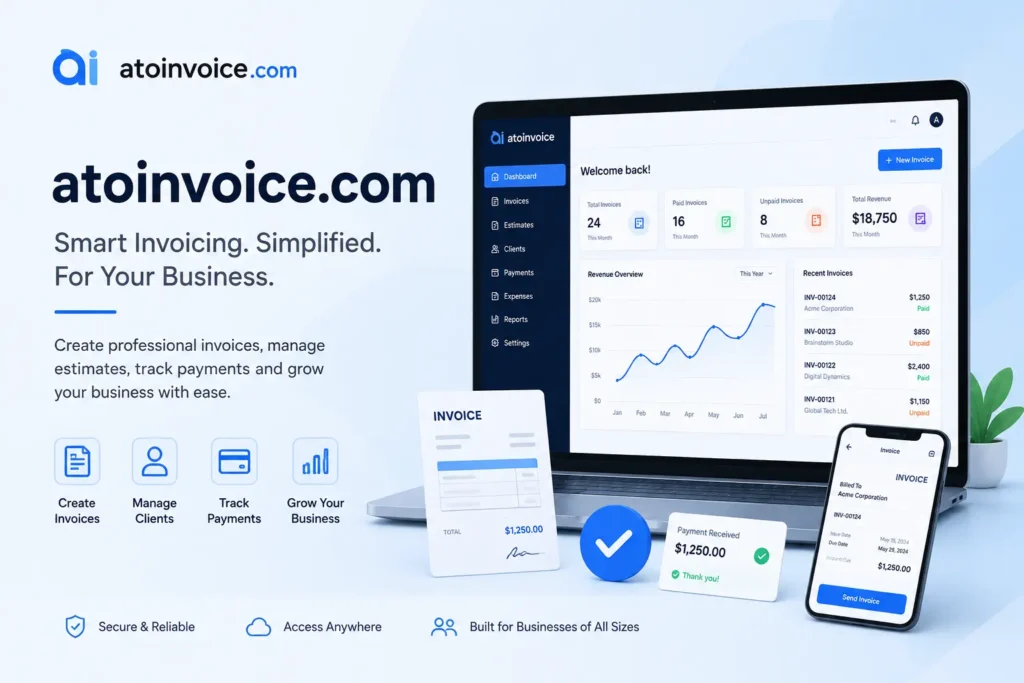
atoinvoice.com is a free, browser-based invoice generator with no signup and no payment required. You fill in your business and client details, preview the invoice, download a PDF, and send it directly via Gmail in minutes. It is ideal for freelancers, contractors, and small business owners who need a fast and professional invoice without paying for billing software.
Need to send a professional invoice right now but do not want to create an account or pay for software? atoinvoice.com is a free online invoice generator built exactly for that. It runs in your browser, takes just a few minutes to use, and sends your invoice through Gmail without any friction. This guide covers what the tool is, who it is best for, how to use it step by step, and whether it is worth your time in 2026.
What Is atoinvoice.com?
atoinvoice.com is a free, browser-based invoice generator. It lets you build a professional invoice online with zero account creation, no email signup, and no subscription fee.
The tool is built for speed. You open the site, fill in your billing details, preview your invoice, download it as a PDF file, and send it to your client through Gmail. The whole process takes about five minutes.
One important note: atoinvoice.com is not connected to the Australian Taxation Office (ATO). The name looks similar, but this is an independent free invoice tool, not a government platform. If you are an Australian business looking for GST tax invoice requirements, you will need to visit a different resource.
Who Is atoinvoice.com Best For?
atoinvoice.com works well for people who need a quick, clean, professional invoice without committing to a full billing software subscription.
It is a great fit for:
- Freelancers who send occasional invoices to clients and do not need recurring billing
- Contractors and service providers who work on one-off projects
- Small business owners who handle their own billing without an accounting team
- Solopreneurs who already use Gmail and want a fast email workflow
- Students or first-time invoicers who have never created a business invoice before
If you only need to send a few invoices per month and want to skip the learning curve of tools like Zoho Invoice or FreshBooks, atoinvoice.com is a smart, no-fuss option for freelance invoicing and small business billing.
How to Use atoinvoice.com: Step by Step
Using atoinvoice.com is straightforward. There are four main steps from start to send. Follow each one and you will have a complete, professional invoice ready to deliver.
Step 1: Fill In Your Invoice Details
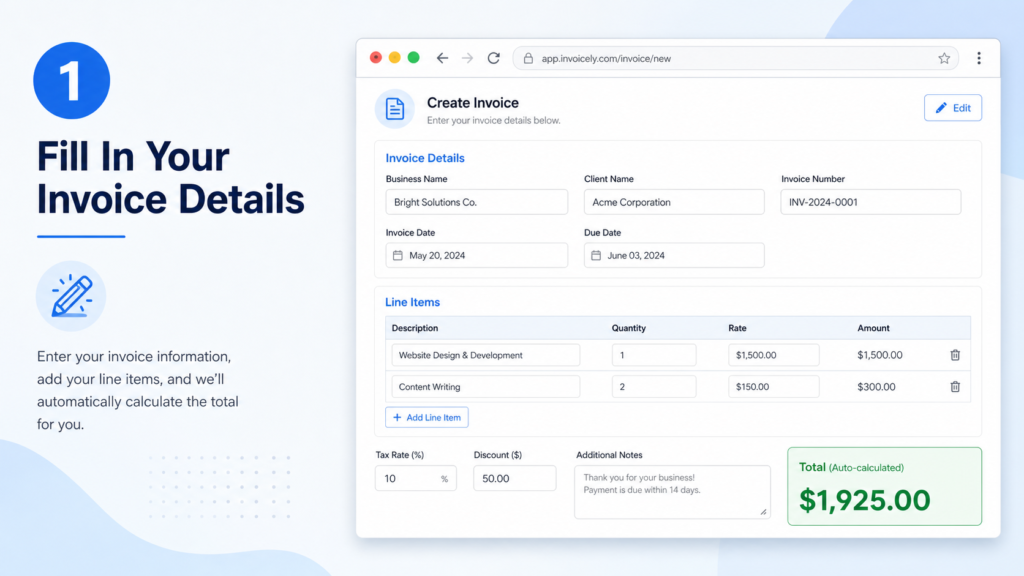
Open atoinvoice.com in your browser. You will see a simple form on the screen.
Fill in the following fields:
- Your business name and contact information
- Your client name and their details
- Invoice number (you can set your own numbering system)
- Invoice date and due date
- Line items with descriptions, quantities, and rates
- Tax rate and any discount you want to apply
- Additional notes or payment terms
The tool calculates your totals automatically as you enter each line item. You do not need to do any math yourself. This makes client billing faster and less prone to errors.
Step 2: Preview Your Invoice
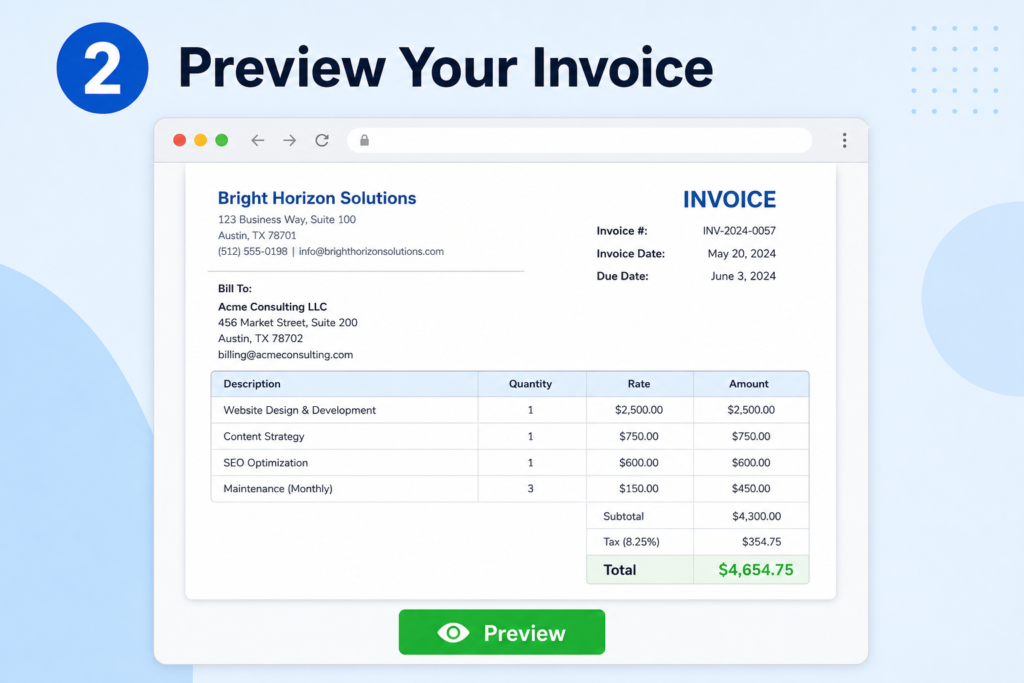
Once all the billing details are filled in, click the preview option. You will see exactly how your invoice will look as a finished document.
Check that the invoice number is correct, the totals match, and the client name and business name appear as expected. This is your last chance to fix anything before downloading.
Step 3: Download as PDF
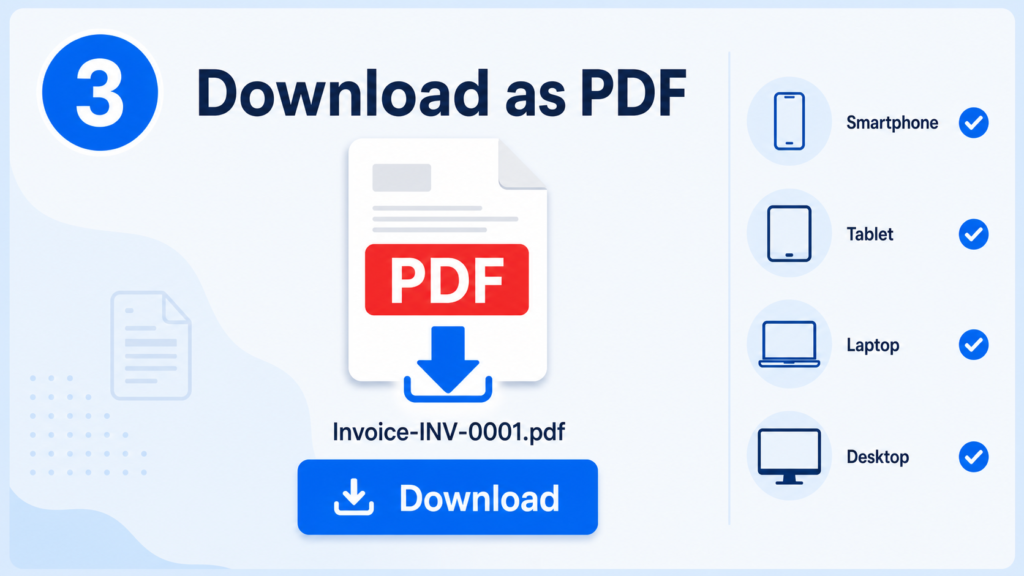
Click the download button. Your invoice saves as a PDF file named Invoice-INV-XXXX.pdf directly to your device.
PDF is a universal format that works on any device and in any email client. Your client can open it on a phone, tablet, laptop, or desktop without any special software.
Step 4: Send Your Invoice via Gmail
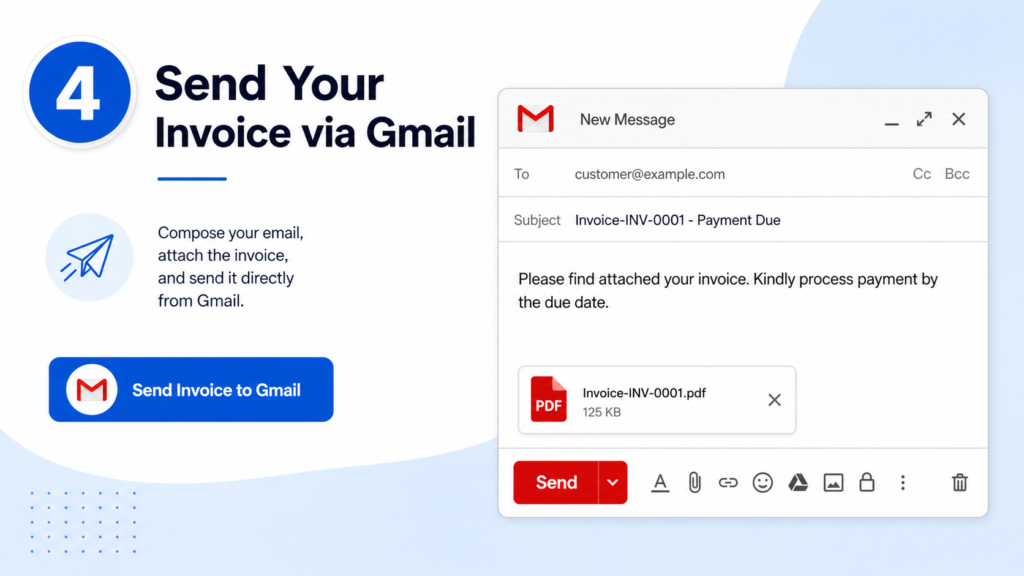
This is where atoinvoice.com stands out from most free invoice tools. After downloading, click the “Send Invoice to Gmail” button.
Gmail opens automatically in a new tab with a pre-filled subject line, a professional message body, and the invoice file name already matched. All you do is attach your downloaded PDF and click Send.
This Gmail integration saves time and makes your invoice communication look polished from the very first message you send.
Key Features of atoinvoice.com
Here is a quick look at what the tool includes:
- Completely free with no pricing tiers, no hidden fees, and no credit card required
- No registration needed at any point in the process
- Tax and discount fields built directly into the invoice form
- Automatic total calculation across all line items
- PDF download in a universally readable format
- Gmail integration that pre-fills your email with a professional message
- Universal device compatibility so your client can open the invoice anywhere
These features make it one of the simplest browser-based tools for creating a free invoice PDF online without any barriers.
Is atoinvoice.com Free? What Is the Catch?
atoinvoice.com is entirely free with no hidden fees, no subscription tiers, and no account creation required. There is no payment information needed at any stage.
That said, there are a few things the tool does not do:
- No payment processing. atoinvoice.com creates invoices only. It does not accept payments or connect to PayPal, Stripe, or bank accounts. You will need to arrange payment separately.
- No invoice storage. The platform does not save your invoices. Once you download your PDF, save it to your computer or cloud storage right away. If you close the browser tab, your work is gone.
- No recurring invoices. The tool is designed for one-off invoice generation. If you need to send the same invoice every month, you would need to refill the form each time.
For most freelancers and solopreneurs, these limitations are not a big deal. But if you need invoice history, payment tracking, or automated recurring billing, a tool like Zoho Invoice or Wave may serve you better.
atoinvoice.com vs. Other Free Invoice Generators
Here is how atoinvoice.com compares to a few other popular free options on three key factors:
| Tool | Signup Required | Gmail Integration | Invoice Storage |
| atoinvoice.com | No | Yes (built-in) | No |
| Canva Invoice | Yes (free account) | No (manual share) | Yes |
| Zoho Invoice | Yes | No (email via Zoho) | Yes |
| Wise Invoice | Optional | No | No |
| Bloom Invoice | No | No | No |
atoinvoice.com is the only free invoice generator in this list that combines no-signup access with a built-in Gmail send workflow. That specific combination makes it unique for freelancers who live in their Gmail inbox and want a fast, clean billing process.
Is atoinvoice.com Safe to Use?
atoinvoice.com generates invoices entirely in your browser. It does not ask for a login, a password, or payment credentials. Because no account is created and no personal data is stored on a server, the privacy risk is very low.
As with any online tool, use common sense. Enter only the information that belongs on a professional invoice. Avoid putting sensitive financial data beyond standard business billing details.
For a simple, no-registration invoice tool, atoinvoice.com is as safe as a browser-based app gets.
A Note for Australian Users
If you searched for “ATO invoice” and landed here, this is not the Australian Taxation Office. The atoinvoice.com name can look similar to ATO-related searches. For official Australian GST tax invoice requirements, including what a valid tax invoice must include for ABN-registered businesses, the correct resource is the Australian Tax Office website.
atoinvoice.com is a separate, independent free invoice maker with no government affiliation.
Final Thoughts
atoinvoice.com is one of the cleanest free invoice generator tools available in 2026. No signup. No credit card. No registration needed. Just open the site, fill in your billing details, download your PDF invoice, and send it through Gmail in minutes.
It is not a full accounting platform. It does not process payments or store your invoice history. But for freelancers, contractors, and small business owners who need a fast and professional invoice without creating an account or subscribing to software, it delivers exactly what it promises.
If you want to explore more free business tools for solopreneurs and digital freelancers, browse the free tools and resources at seova.co for more practical guides that save you time and money on everyday business tasks.